
Designing a Secure System: Principles and Identity Solutions
Designing a secure system isn't just about firewalls—it's about architecture.
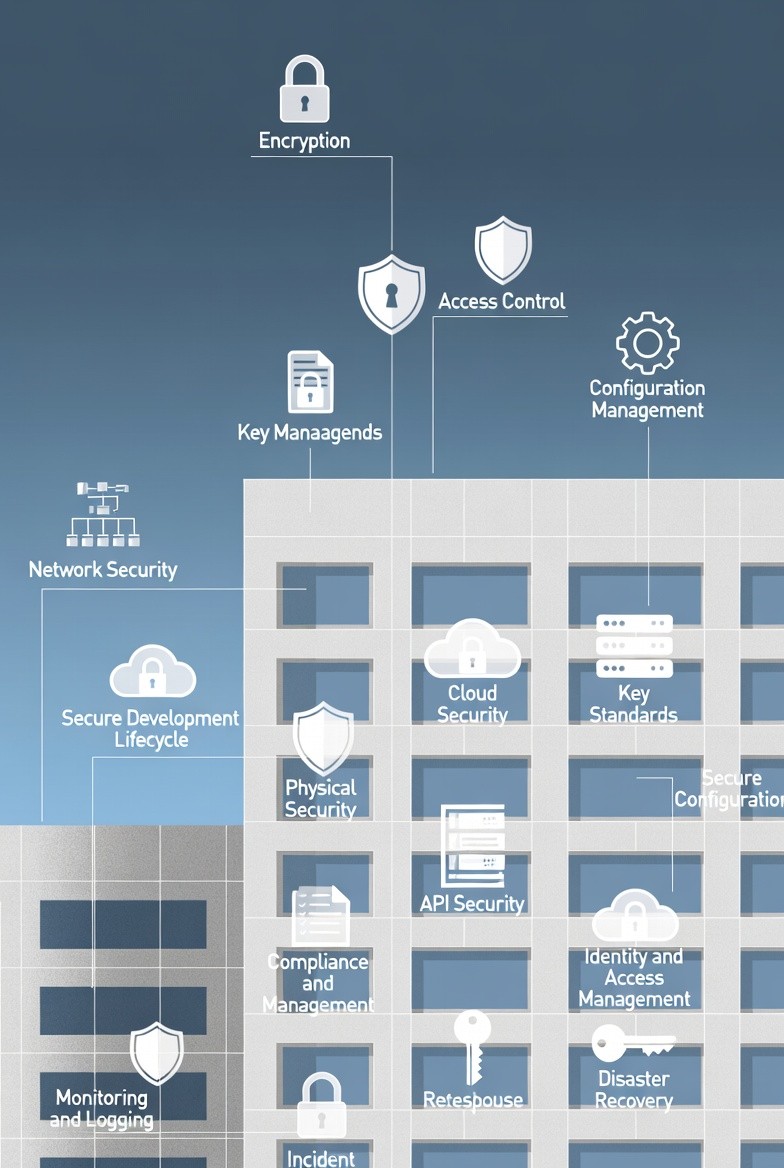
This insight breaks down the 12 non-negotiable security principles (from Encryption and API Security to Disaster Recovery) and explains the practical differences between core identity management tools.
17
Feb


Designing secure systems is non-negotiable for protecting sensitive information, maintaining user trust, and ensuring the stability of your infrastructure. Security must be implemented by default, not as an afterthought.
1. Key Principles of Secure System Design
A robust security strategy spans the entire architecture and organizational culture. Here are the key design points that developers, architects, and product owners should prioritize:
Authentication & Authorization: Verifying the user's identity (Authentication) and confirming what resources they are allowed to access (Authorization).
Encryption: Protecting data both in transit (e.g., using TLS/SSL) and at rest (e.g., encrypting database fields).
Vulnerability Management: Proactively identifying and patching security weaknesses in code and dependencies.
Audit & Compliance: Logging all relevant actions and ensuring the system adheres to regulatory standards (e.g., GDPR, HIPAA).
Network Security: Implementing firewalls, intrusion detection, and segmenting the network to isolate services.
Terminal Security: Protecting endpoints (user devices) from malware and unauthorized access.
Emergency Responses: Defining clear processes for handling and mitigating security incidents quickly.
Container Security: Scanning container images for vulnerabilities and applying the principle of least privilege to container runtime.
API Security: Implementing rate limiting, input validation, and proper authorization checks for all API endpoints.
3rd-Party Vendor Management: Vetting external services to ensure they meet your security standards.
Disaster Recovery (DR): Planning for data backup and system restoration in the event of catastrophic failure.
2. Identity and Access Management Solutions
When a user logs into a website, their identity and access rights must be managed consistently. Here is how various standard solutions achieve this:
Sessions and Cookies
A Session is a server-side approach to managing identity.
How it Works: The server stores the user's identity data and state. It issues the browser a unique Session ID, typically contained within an HTTP Cookie. The browser sends this small cookie back with every subsequent request, allowing the server to look up the stored state.
Tradeoff: It's Stateful (server must remember the state), which simplifies server-side logic but makes horizontal scaling more difficult. Cookies have limitations when used across different devices and domains.
Tokens and JWT (JSON Web Tokens)
A Token is a generalized method where identity information is encoded and sent directly to the browser or client. The server does not need to store the session.
How it Works:
Token: The client receives an opaque string representing their identity. The client sends this token for authentication on future requests. These tokens need to be secured (encrypted/decrypted).
JWT (JSON Web Token): This standardizes the token format. The token is a small JSON object that is digitally signed by the server. It contains three parts: Header, Payload (claims like user ID, expiration), and Signature.
Tradeoff: Tokens are Stateless (server only verifies the token's signature), which is excellent for horizontal scaling and microservices. However, JWTs cannot be revoked instantly and must be protected as they contain user data.
SSO (Single Sign-On)
SSO is an enterprise solution focused on user experience and efficiency.
How it Works: It uses a central, trusted Identity Provider (IdP). Once a user logs into the IdP, that single login grants access across multiple, independent services or applications without re-entering credentials.
Use Case: Ideal for internal corporate applications and large SaaS platforms that own multiple related services. Common protocols include SAML and OpenID Connect (which builds on OAuth 2.0).
OAuth 2.0
OAuth 2.0 is an Authorization framework, not an authentication protocol (though it's often used as one via OpenID Connect).
How it Works: It allows a third-party application (the Client) to obtain limited access to a user's resources (e.g., their photos on Google) without ever giving the client the user's password. The user grants permission via a secure redirection flow, and the Client receives an Access Token with specific scopes.
Use Case: "Login with Google" or allowing a printing service to access your Dropbox files. It safely delegates permission.
QR Code Login
This is an innovative, passwordless authentication method.
How it Works: The application displays a QR Code which encodes a unique, random, time-sensitive token. A mobile device, which is already authenticated, scans the code, sending the token back to the server. The server matches the token to the waiting browser session and logs the user in.
Use Case: Simple, secure mobile login that bypasses the need for typing passwords on a desktop.